
The Talking Head System
One identity. Any scene.
Built to stay consistent.
Start from one reference photo — or build an original presenter from scratch — then turn it into a consistent talking head across scenes with a structured workflow for motion, voice and lip sync.
One identity · Multiple scenes
- Identity consistency
- Motion + lip-sync ready
- 50+ ready-to-use prompts
See It In Action
From one photo to a finished talking head.
Show transcript
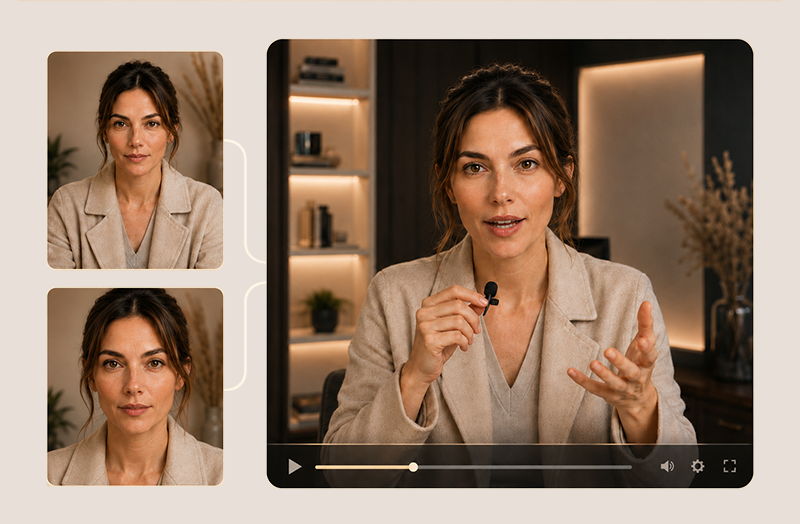
An example workflow: start from an existing person or reference image, or build an original presenter from scratch. Approve one Base Portrait as the Face Canon, then add an Angle Sheet or Teeth Reference only when a specific shot needs extra support. Build the finished scene as the Start Frame, either with a ready-made scene prompt or with the Custom Scene Builder combining the Base Portrait with optional location, outfit, hairstyle or prop references. Then choose one motion path: Seedance for directed performance, HeyGen for fast repeatable talking heads, or Kling Motion Control when you want to match specific human movement. For a recurring presenter, create or clone a reusable voice in ElevenLabs and use it when consistency across scenes matters. Advanced Performance stays optional, for tighter gaze control, pose resolution, performance transfer or exact audio timing. Results vary depending on the reference image, AI model, tool and settings.
Workflow from a reference photo
to a talking-head video
For the AI-based
workflow shown here
Designed around one
consistent reference identity
AI Podcast · Real Results
Your own AI podcast. Without a camera.
Your expertise. Your voice. No filming required.
Watch what a two-person AI podcast can look like: natural reactions, shifting camera angles and a real conversational rhythm. The complete production path is included in the Talking Head System, demonstrated here with the Seedance workflow. Other video tools may work as well.
30-second cinematic podcast example · Vikki Sky
Works across leading image, video and voice tools
What's Inside
Everything You Need to Build, Animate, Voice,
and Monetize One Consistent AI Presenter.
A production system, not a course.
 01
The Reference Path
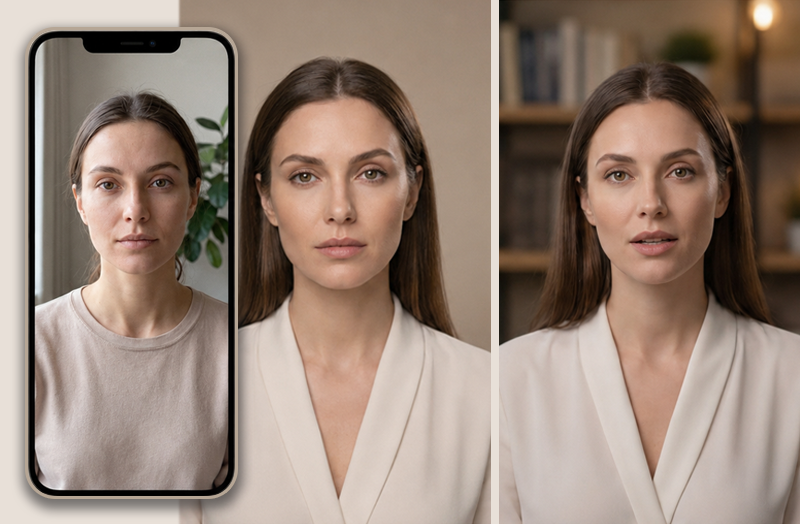
Start with one clean photo. Learn what makes a strong reference and avoid the mistakes that cause face drift.
 02
The AI Clone Foundation
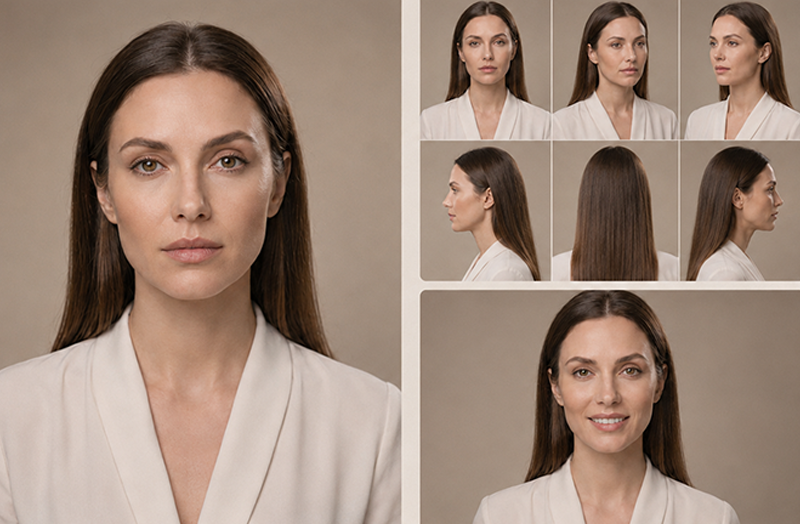
Turn your reference into a reusable Base Portrait, Angle Sheet, and optional Teeth Reference.
 03
Build From Scratch
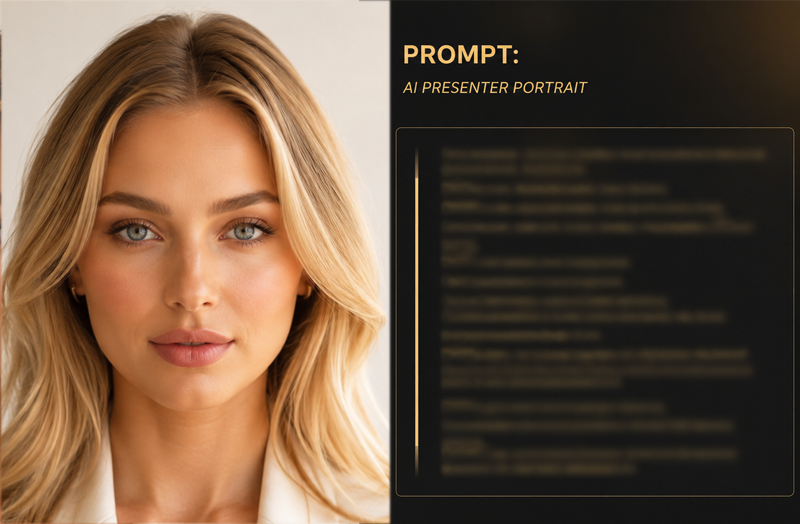
Prefer not to use your own likeness? Create an original photoreal presenter from a structured prompt and establish a reusable reference identity from the start.
 04
The Talking Head Prompts
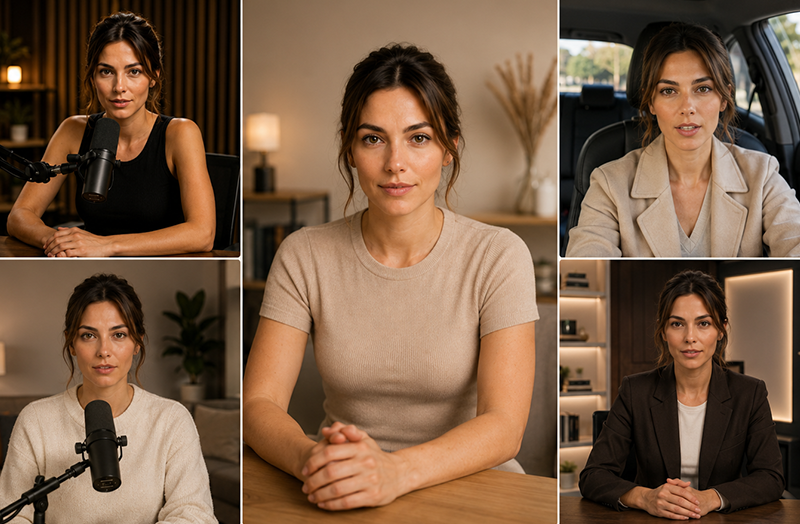
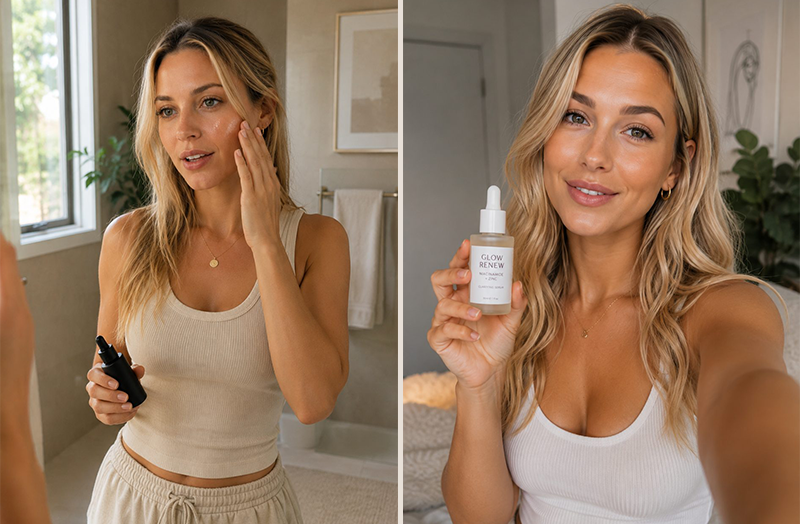
Place the same presenter into polished studio, home, car, podcast, and creator setups with 50+ ready-made scene prompts, or use the Custom Scene Builder to direct location, outfit, hairstyle and props.
 05
The Motion Engine
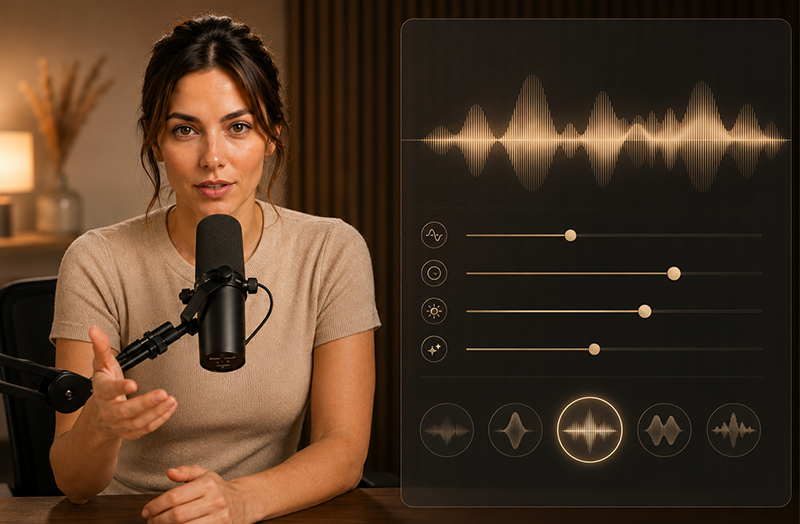
Animate still images with Seedance, HeyGen and Kling using workflows designed to support facial consistency, timing, gestures and performance.
 06
The Voice
Create or clone a reusable voice in ElevenLabs, then use voice references, saved voices, Audio Tags or Voice Changer to keep the presenter recognizable across your talking-head workflow.
Optional module
When a basic talking head is not enough.
Gaze · Pose · Body language · Performance transfer · Audio timing
07Advanced Performance
Optional controls for natural gaze, pose resolution, restrained body language, performance transfer, and full-dialogue audio timing when a basic talking head is not enough.
 Bonus · Monetization
Put Your Presenter to Work.
Explore six practical business models for brand content, presenter services, affiliate content, digital products, and your own offers.
The Fit
This is for you if…
- You want to improve identity consistency across scenes — studio, street, rooftop — without filming a single frame.
- You want polished, photorealistic AI characters instead of glitchy, experimental renders.
- You want polished, believable creator content instead of obviously AI-generated talking heads.
- You want podcast-style videos, expert explainers, and authority content with a believable AI presenter, without sitting in front of a camera yourself.
- You want a scalable production system that can reduce repetitive creation work and friction.
Examples
Sample outputs from the system.
Example scenes generated with the included prompts. Individual results depend on your input photo, prompts and the underlying AI tool.
More consistent.
across different scenes
Podcast studio · Hotel lobby · Rooftop · City street · One Face Canon
Guided workflow
from identity to a talking-head video
Base Portrait · Custom Scene Builder · Motion · Voice
No filming
required for the AI-based workflow shown here
Female Collection · Male Collection · Build From Scratch
The System
One identity. One voice. One system.
Everything else is repetition.
A Few Looks
One identity. Across scenes.
Build a repeatable workflow. Use it across different scenes.
These prompts were built, tested and refined to support greater identity consistency across scenes. Results vary depending on the reference image, AI model, tool and settings.
What you'll need
This system guides your workflow, but image, video and voice generation takes place in external AI tools. Depending on the tools you choose, separate accounts, subscriptions or usage credits may be required. Setup and rendering times vary by tool and workflow.
one-time payment · no subscription
Access remains available while the platform is operated.
Confirm the three declarations above to continue to payment.
Female Collection · Male Collection · The Workflow · Designed for Selected AI Tools · Digital Access After Verified Payment
Questions
Frequently asked.
Purchase